
Sift User Guide
4. Getting Documents Ready to Search
Sift needs to read newly added documents before they can appear in search results. This is called processing in the app. It also makes words in readable scanned pages and pictures available to search. Every statement Sift can read in a transcript is included: questions, answers, and remarks in every section.
Make New Documents Searchable
These steps begin with a case open on Sources and new documents listed as pending.
Click Process Case Documents. The Progress Report replaces the document list while Sift works.
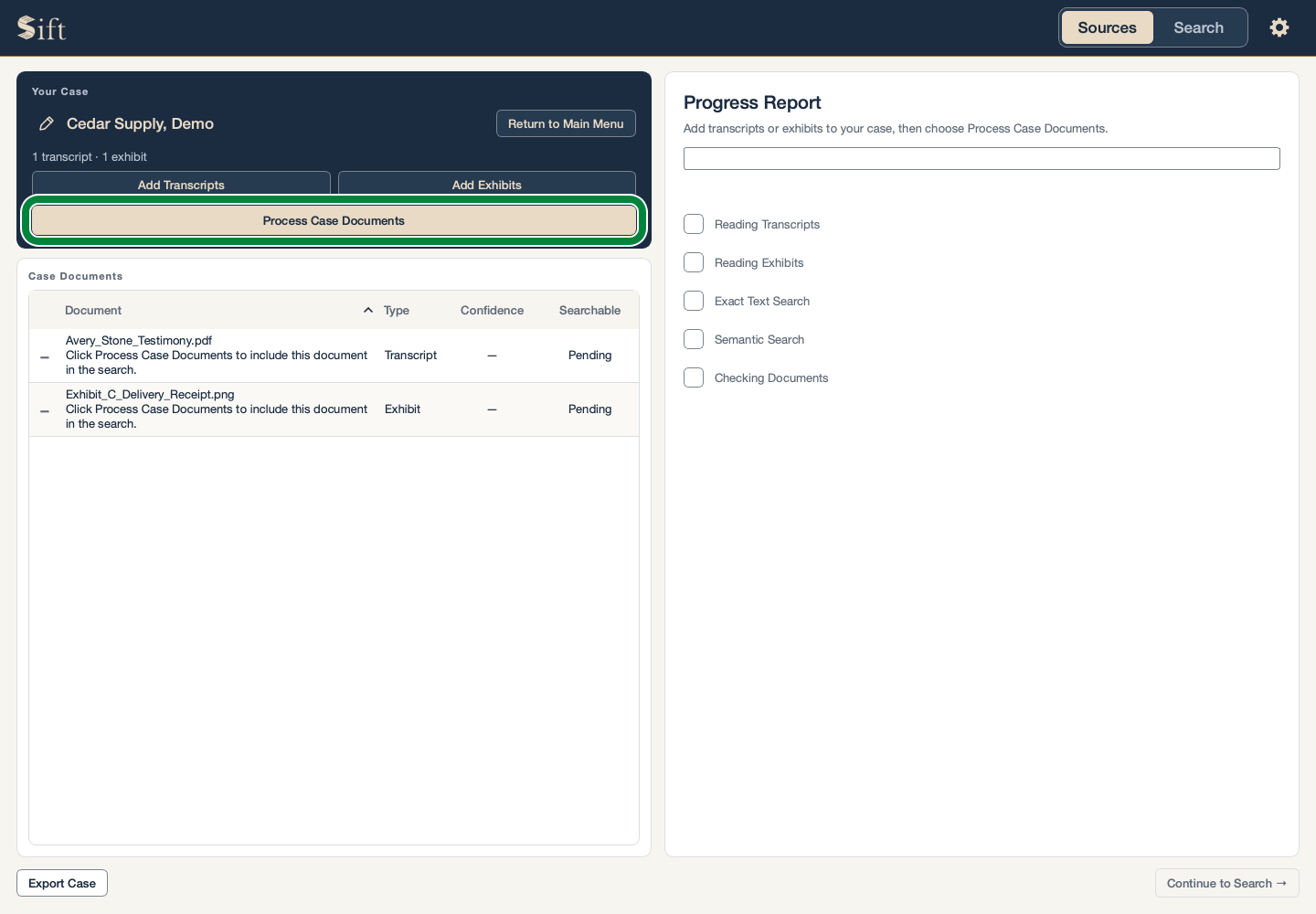
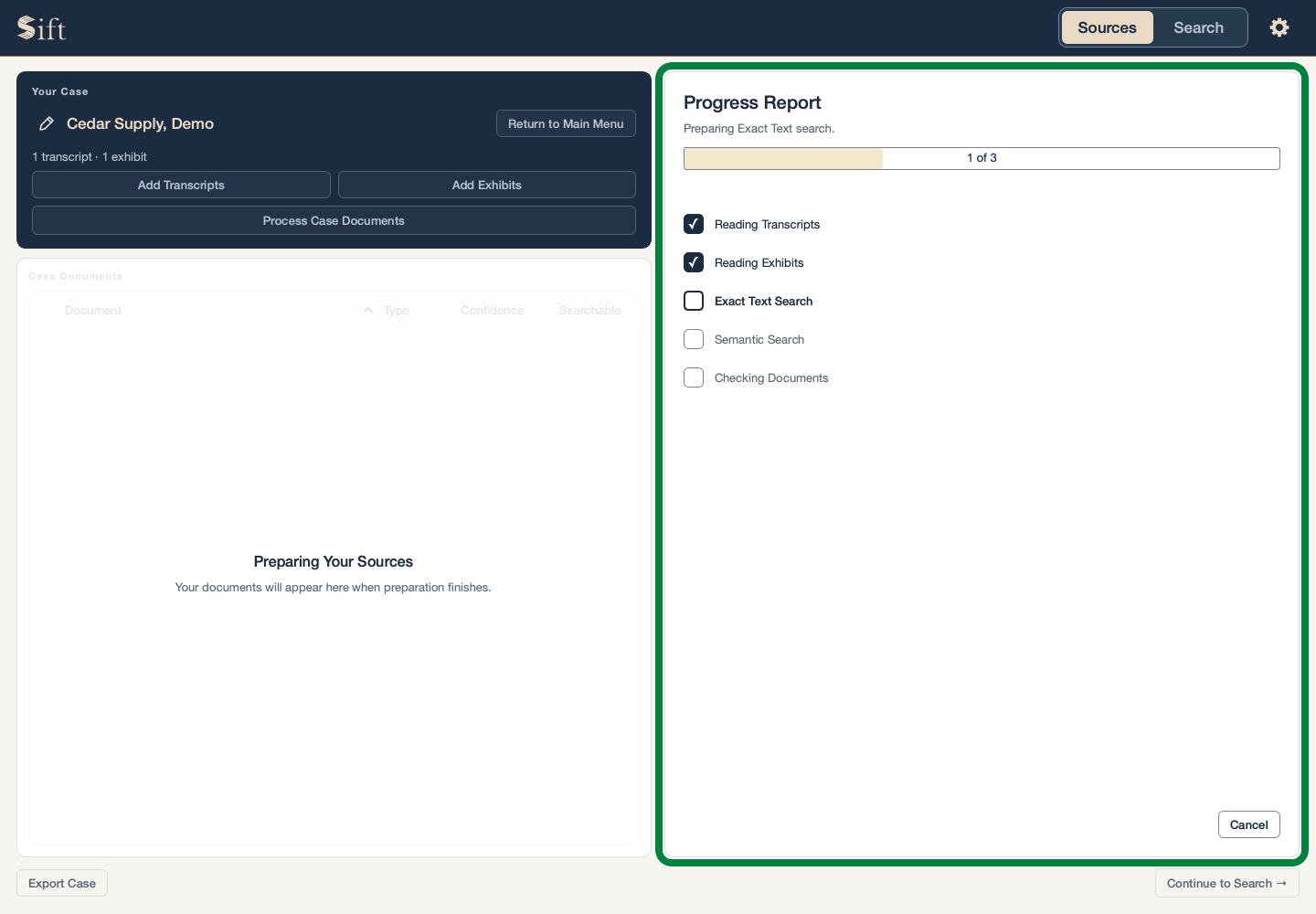
Wait for the Progress Report to finish. Large documents can take longer than short ones.
Click a document in the Sources list. The document and any reading warnings appear beside the list.
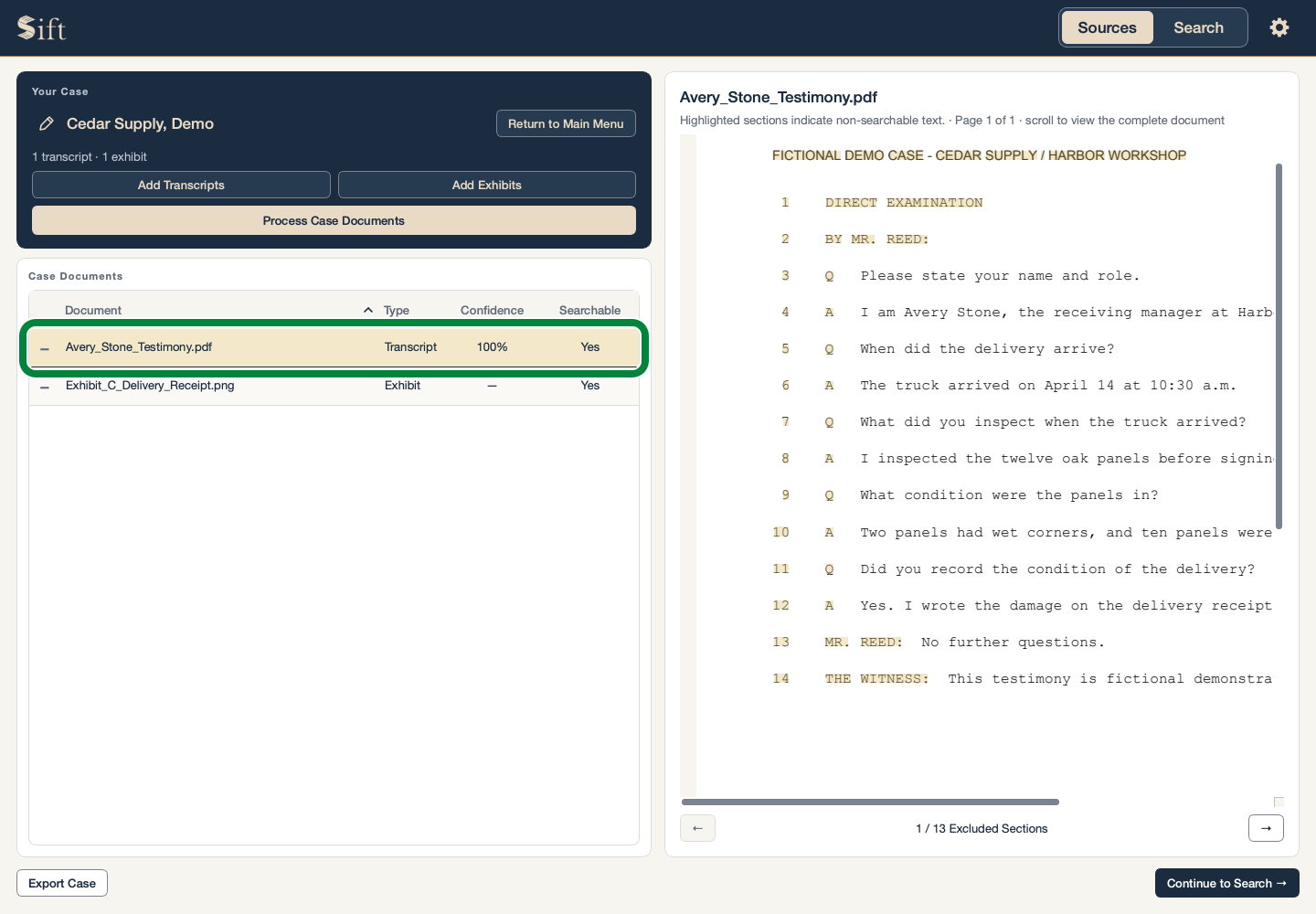
A warning matters: some words or pages may not appear in search results even though the original document is visible.
Stop Preparation
Stopping leaves your original documents unchanged. Newly added documents may still be pending when the work stops.
Click Cancel in the Progress Report. Sift asks whether you want to stop.
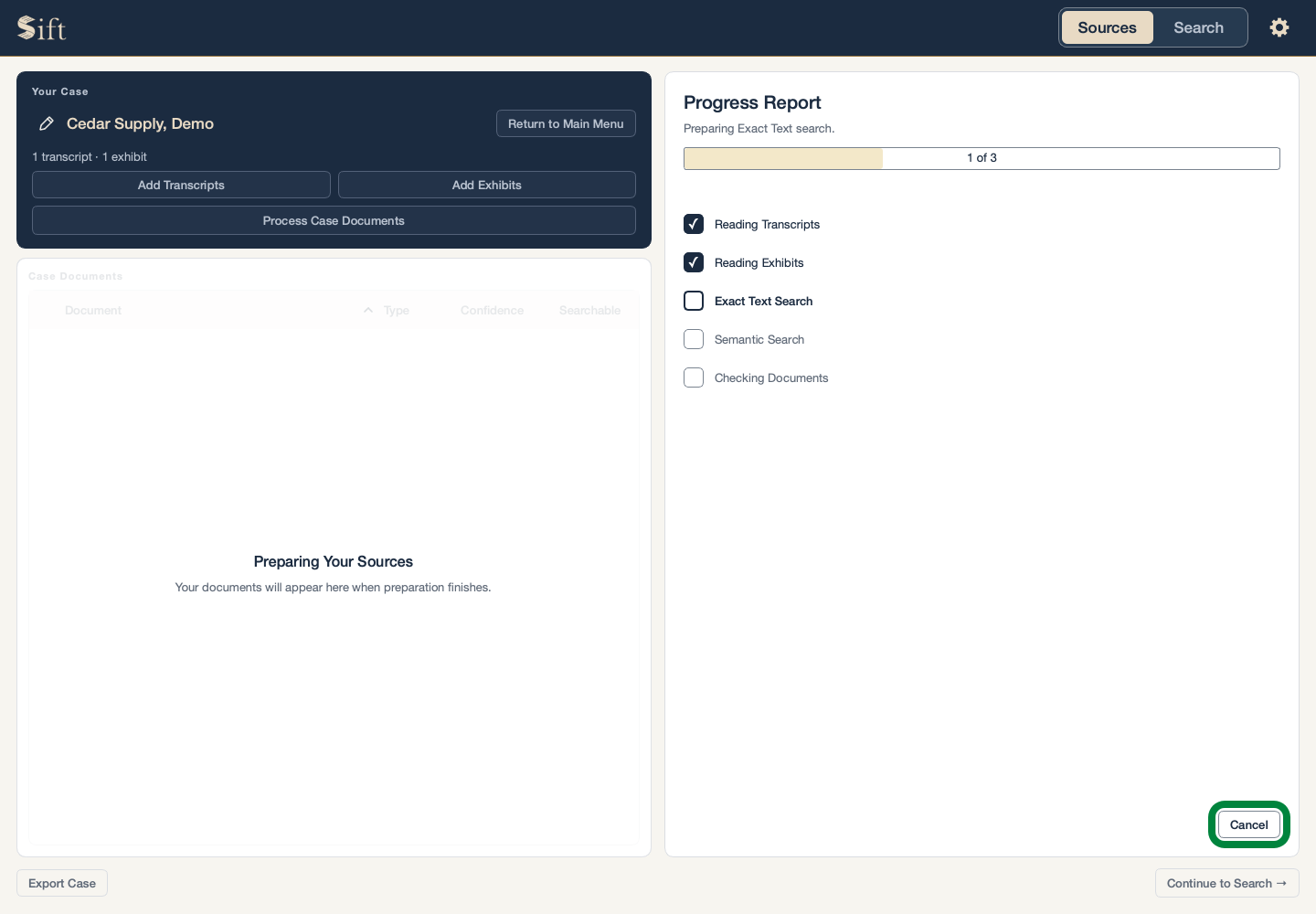
Click Stop Preparation. Sift finishes stopping before returning control to you.
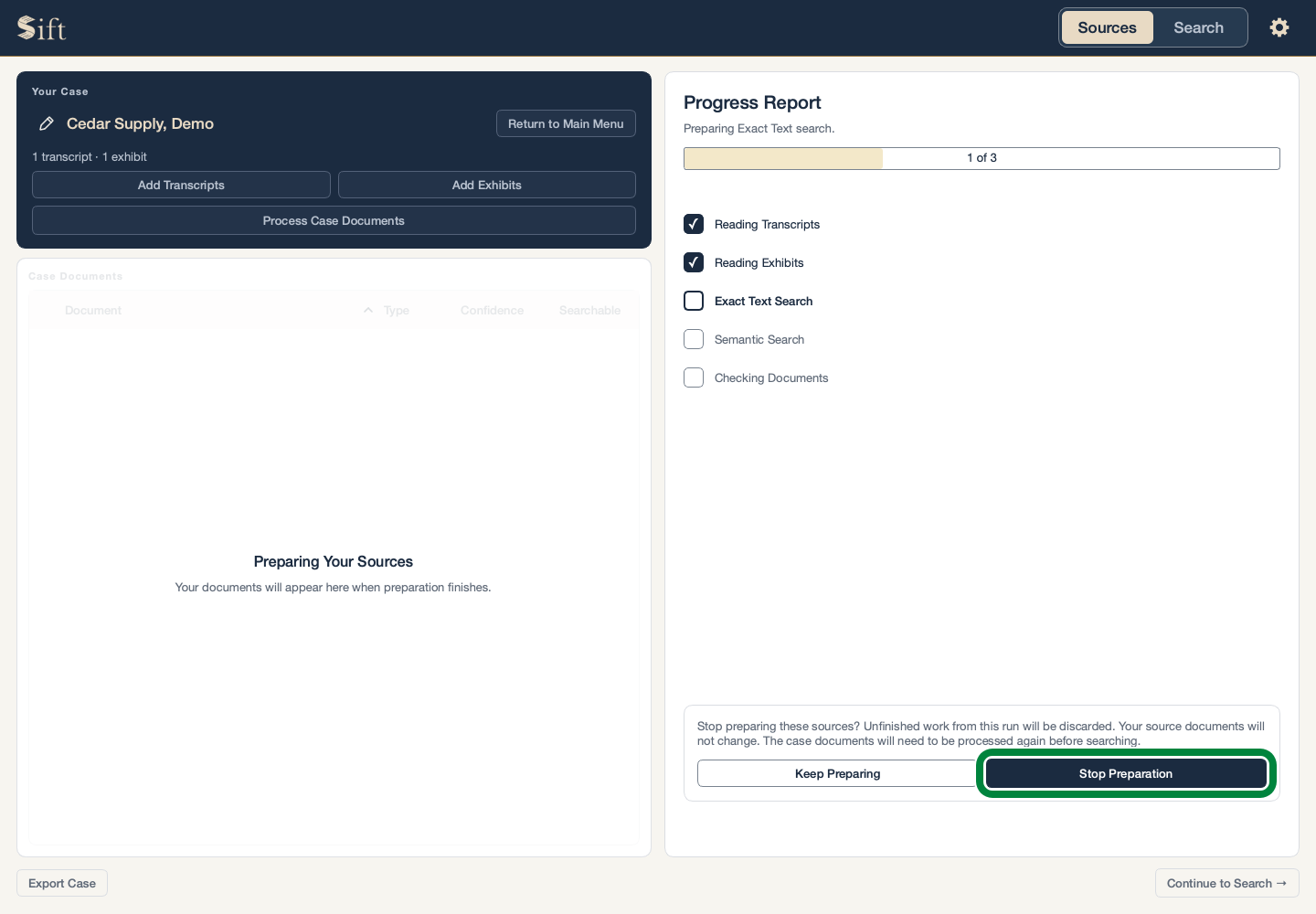
The alternative, Keep Preparing, lets the work continue.
Why Some Words May Be Missing
Sift can search clear printed words in scans and pictures. It can miss faint text, handwriting, very small print, or words hidden by marks on a page. A password-protected or damaged file may not be readable at all.
The Sources reading report shows problems Sift has found. A confidence label describes how well Sift recognized the document’s structure; it does not establish that the testimony or exhibit is correct.
Sift keeps the original document available for review. A visible page is not a promise that every word on it was searchable.
If an Older Case Shows Pending Documents
Your documents remain in the case. The steps above make them ready for search again. A routine Sift update normally leaves prepared cases ready to use.