
Sift User Guide
7. Sharing and Backups
An exported case is one file containing a copy of the case’s documents and saved work. It can serve as a backup or be opened in Sift on another computer.
Exporting does not send the case anywhere. The exported file stays in the location you choose.
Save a Backup or Shared Copy
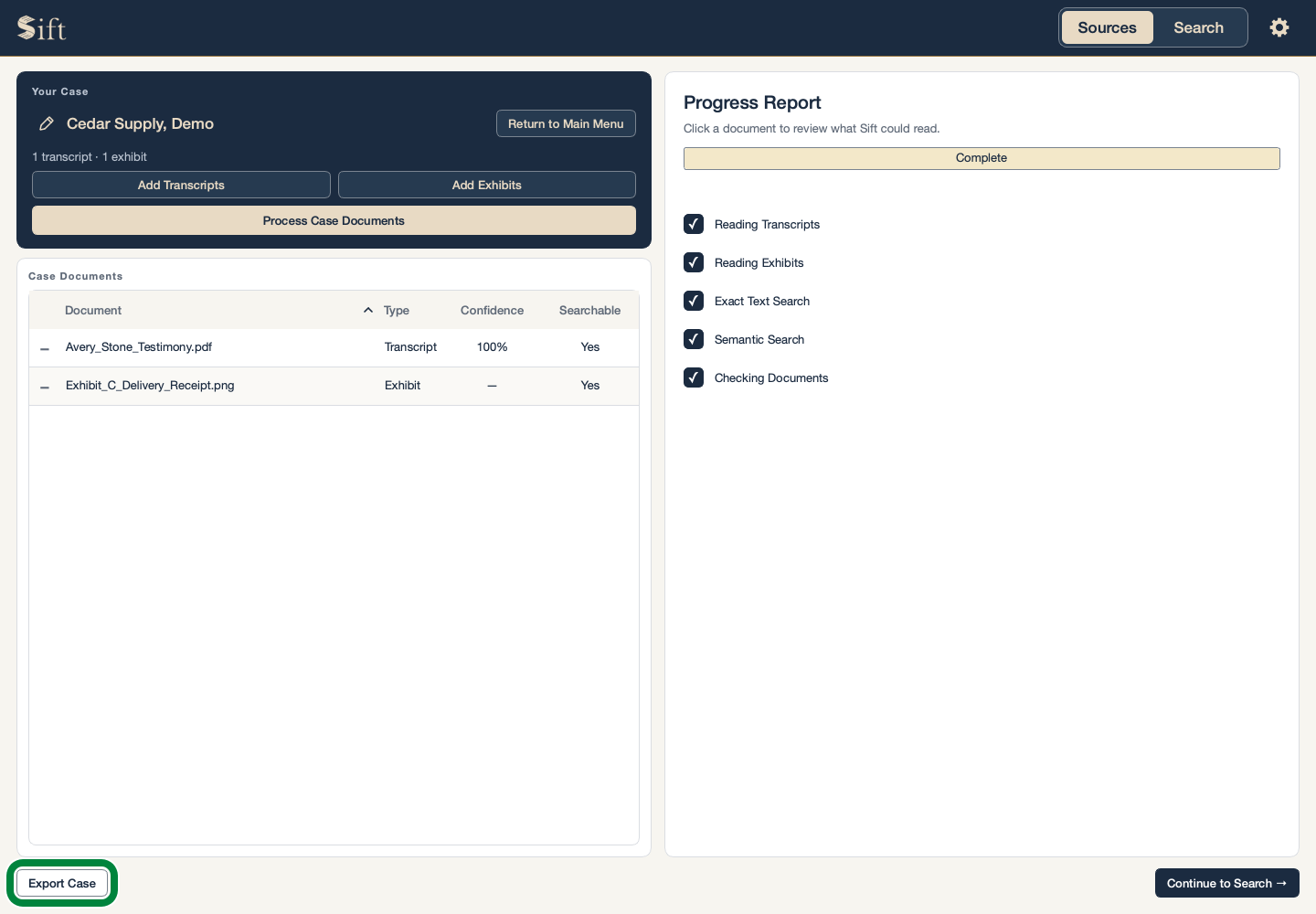
These steps begin with the case open on Sources. A password is optional; this example shows a password-protected copy.
Click Export Case. A window asks whether you want a password.
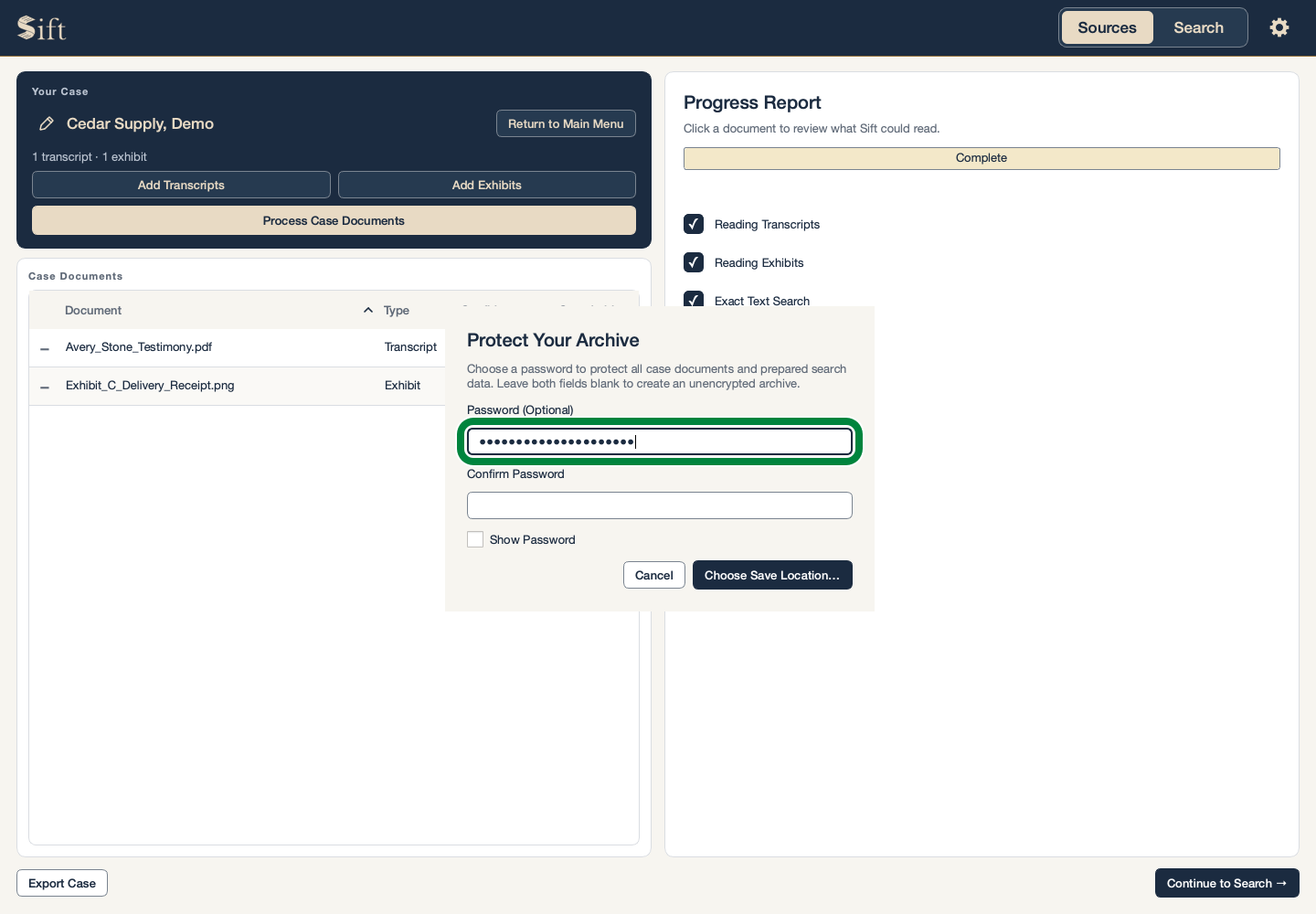
Type a password in Password (Optional).
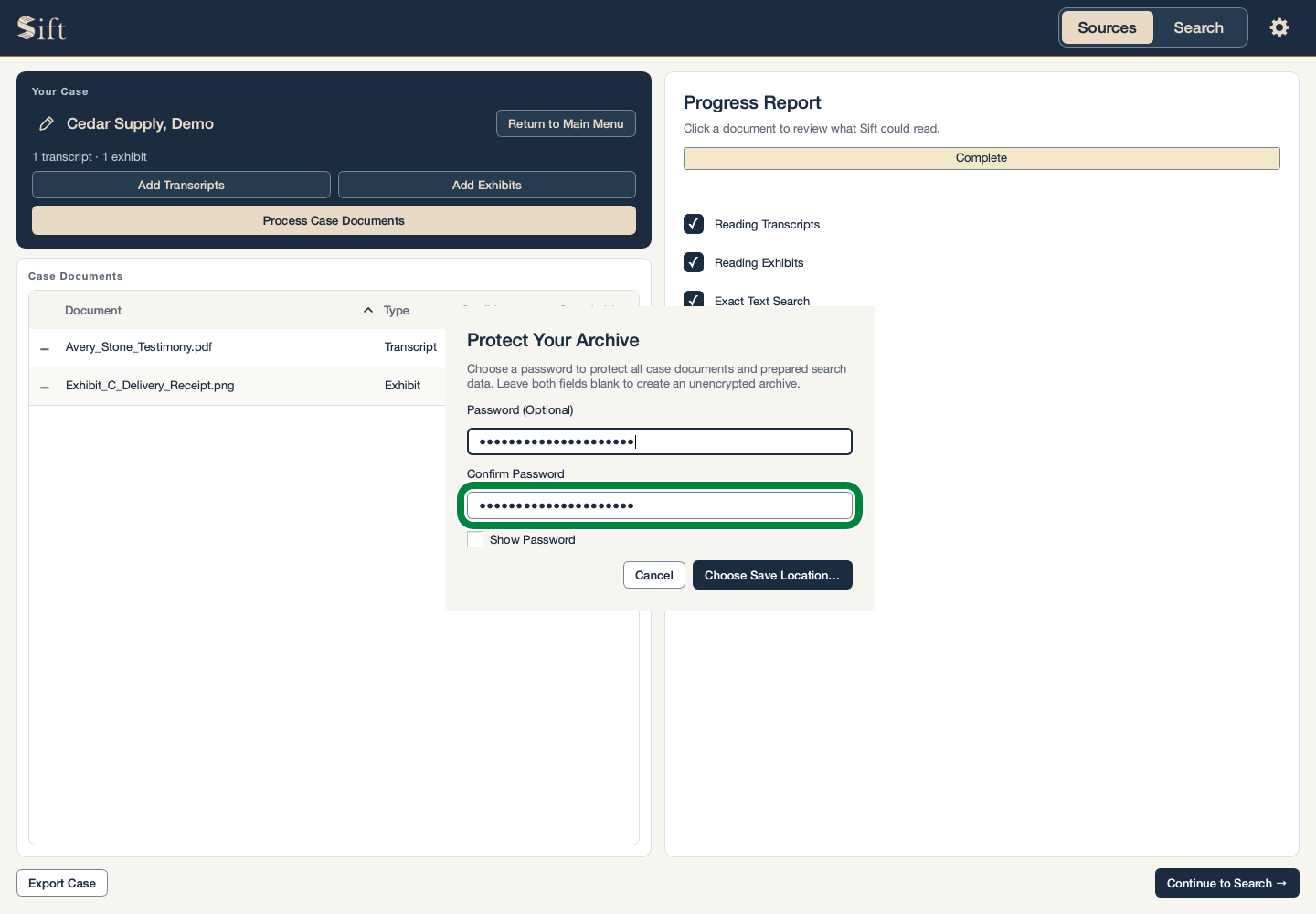
Type the same password in Confirm Password.
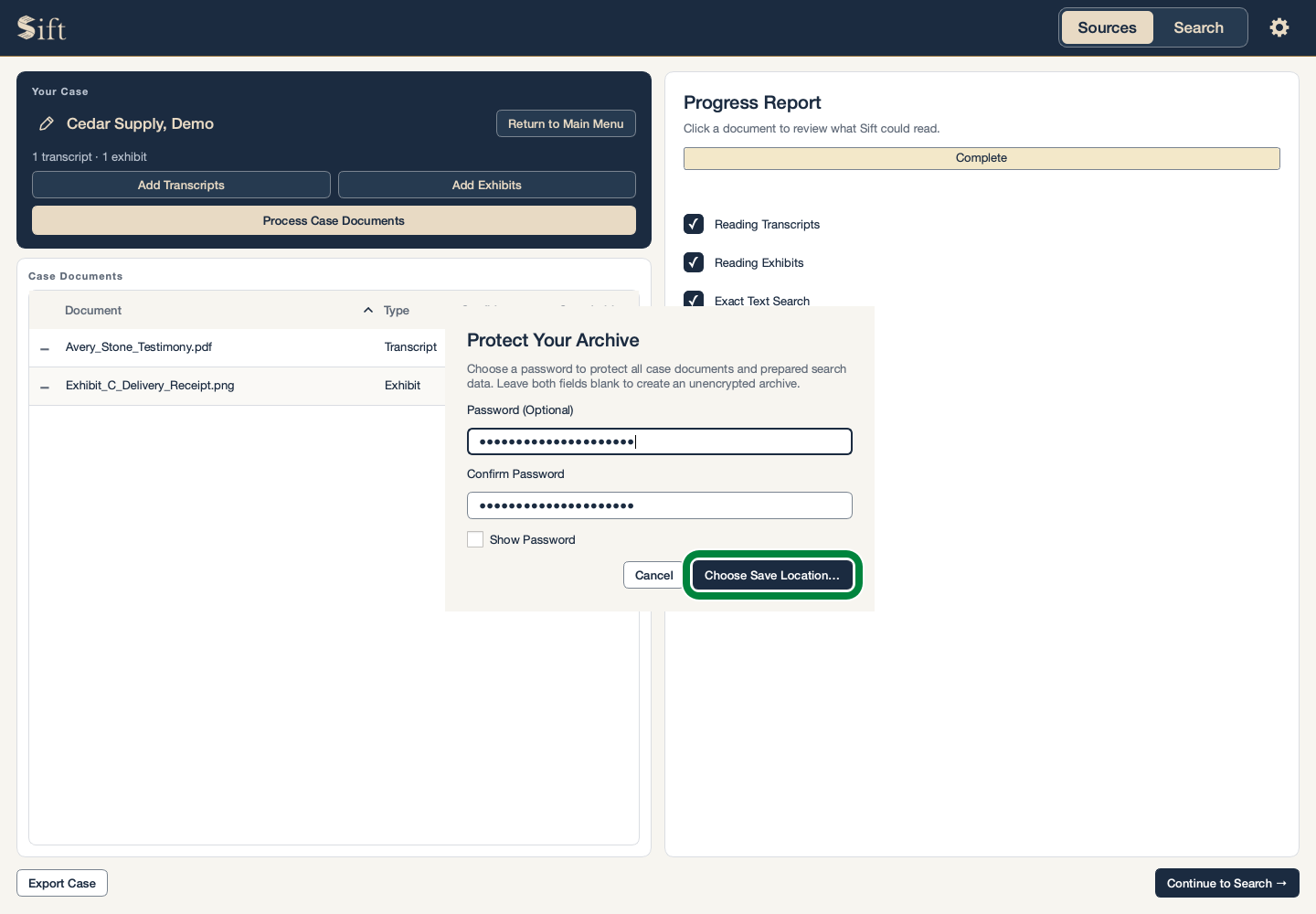
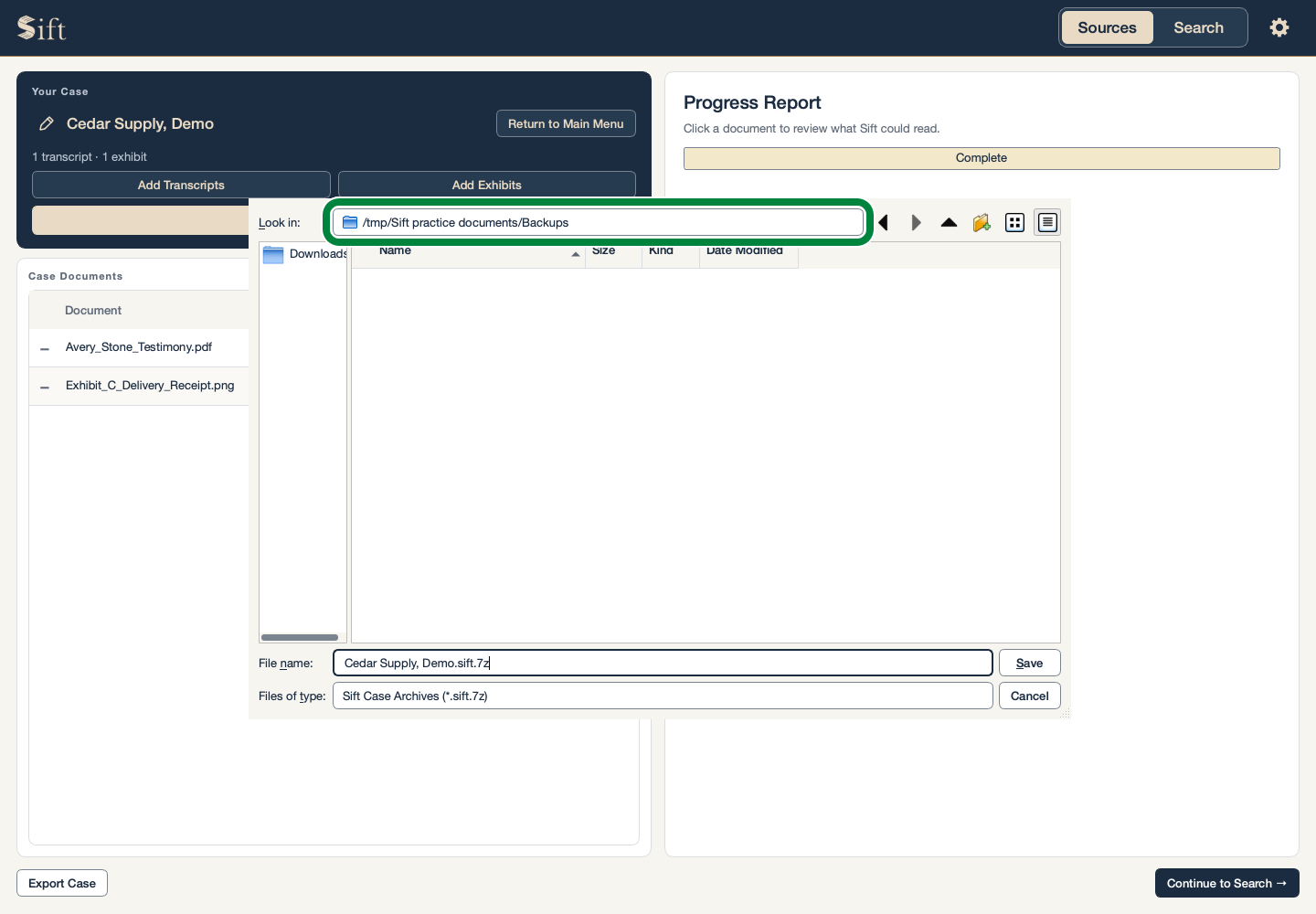
Click Choose Save Location…. A file-saving window opens.
Choose a folder for the exported case.
Click Save. Sift confirms when the case has been exported.
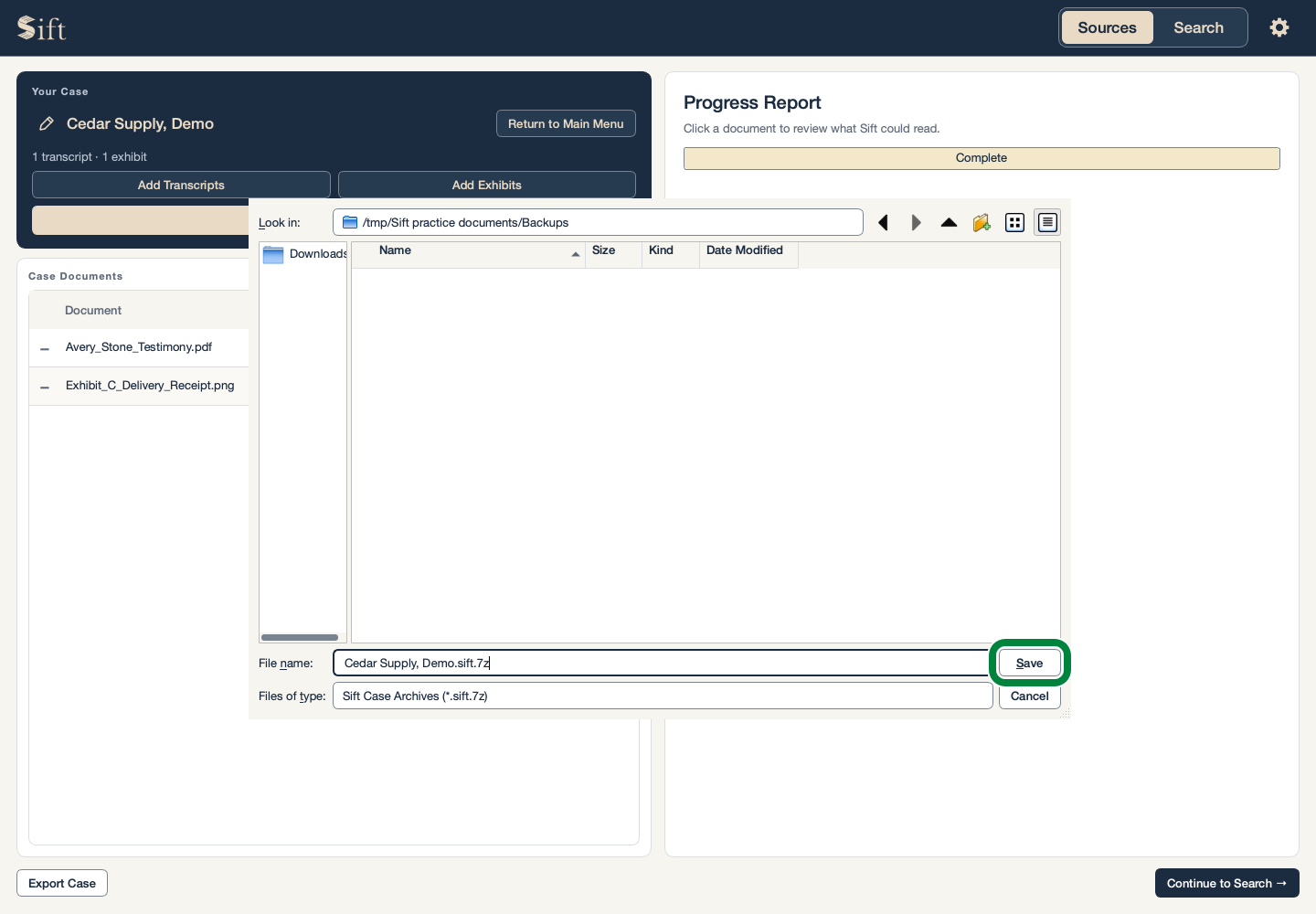
The exported filename ends in .sift.7z. The password protects the contents of this file. Sift does not remember the password and cannot recover it for you.
Leaving both password boxes empty produces a file without password protection. Password protection on an exported file does not protect the working case inside Sift.
Open an Exported Case
These steps begin with no case open on Sources. The exported file needs to be available on this computer.
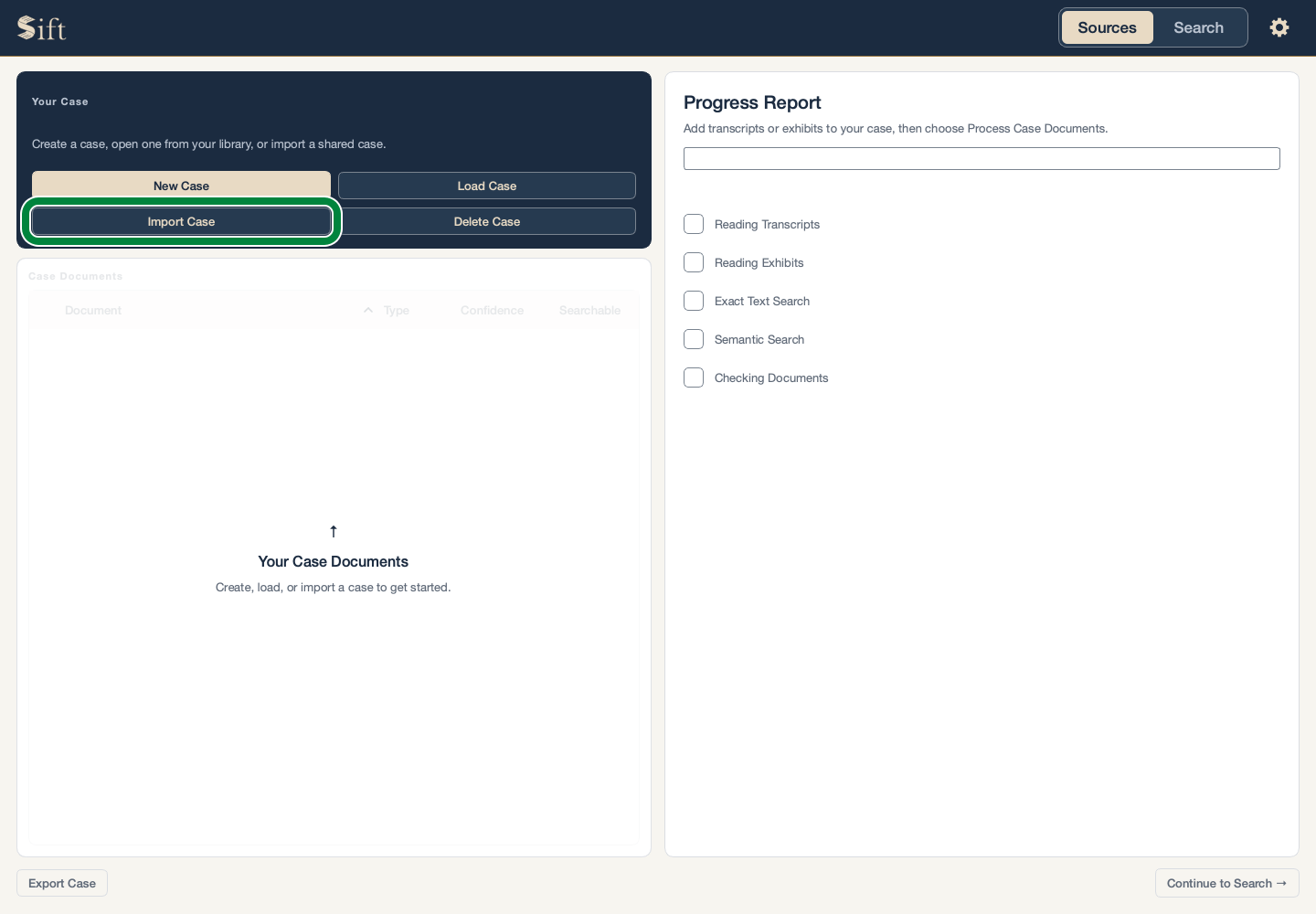
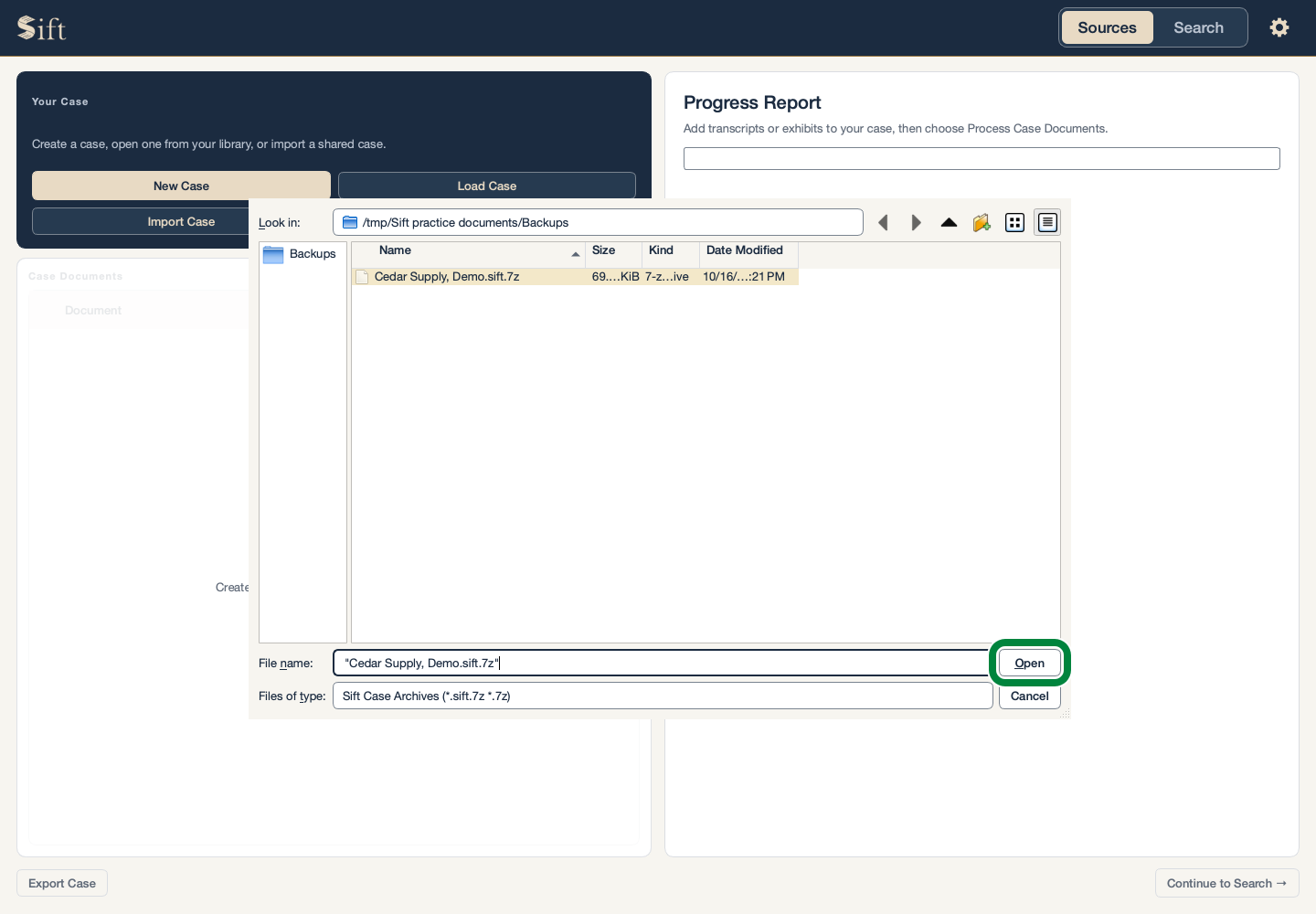
Click Import Case. A file-selection window opens.
Select the exported case file ending in .sift.7z.
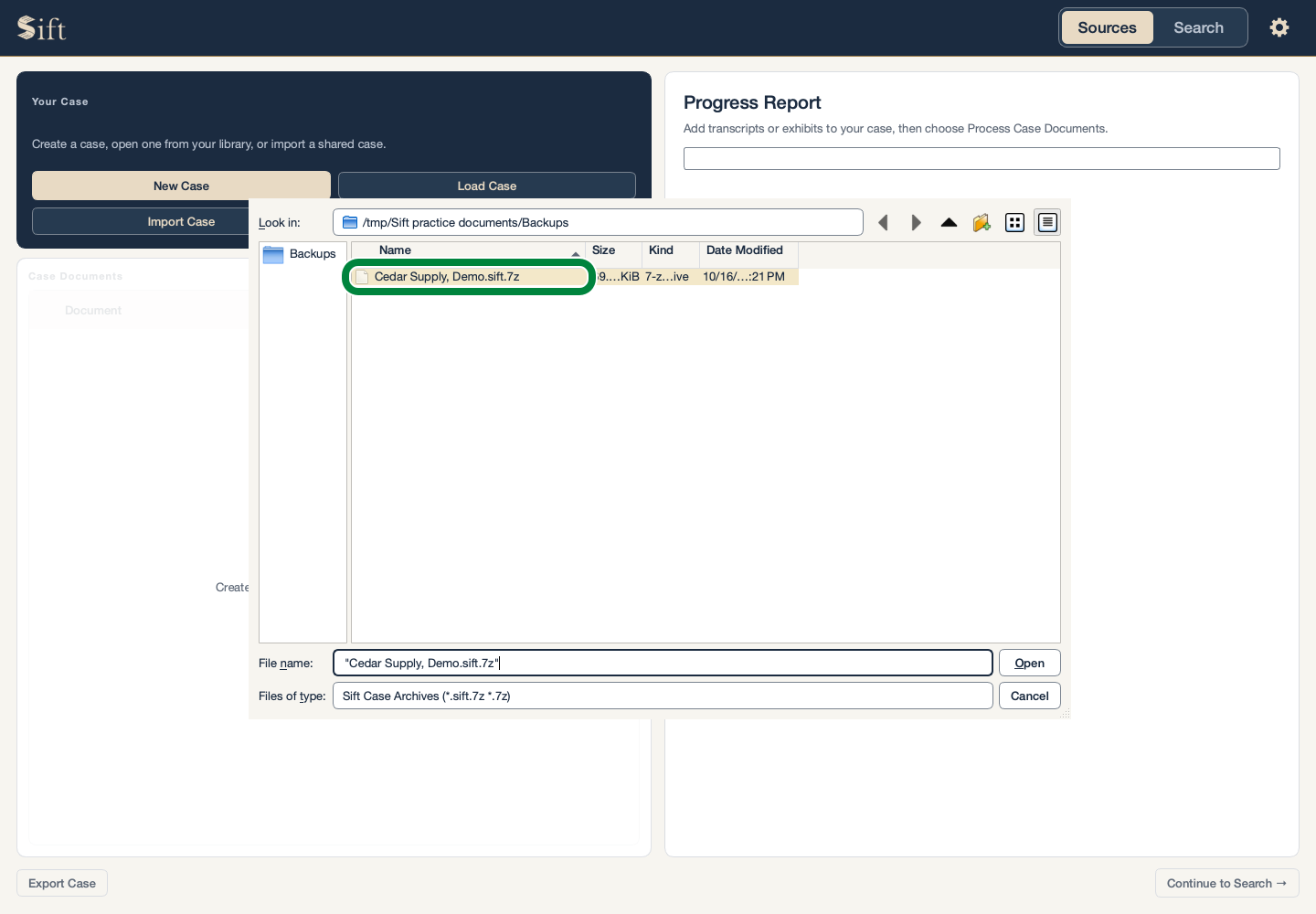
Click Open. Sift opens the password window.
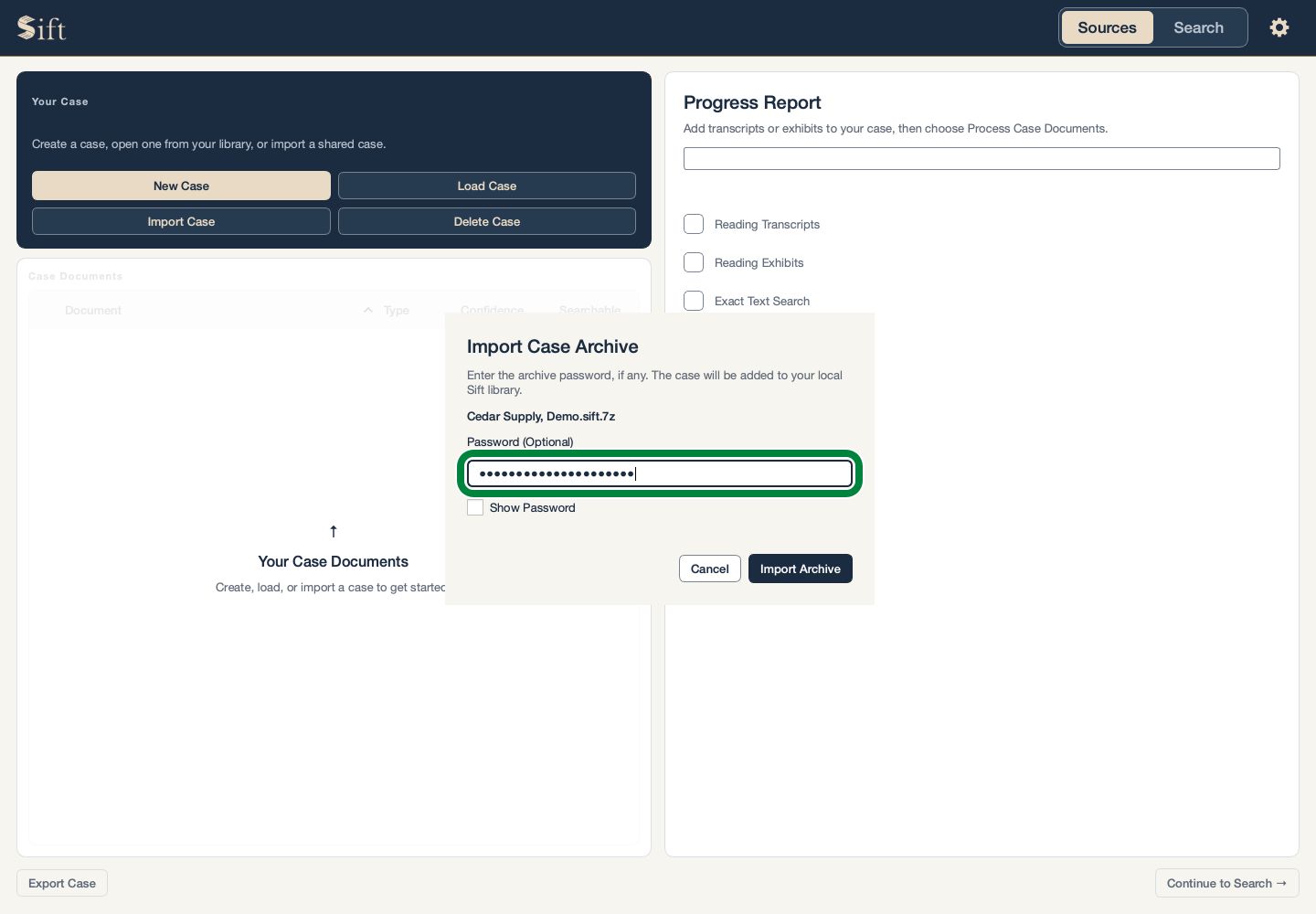
Type the file’s password, if it has one. The box stays empty for a file without a password.
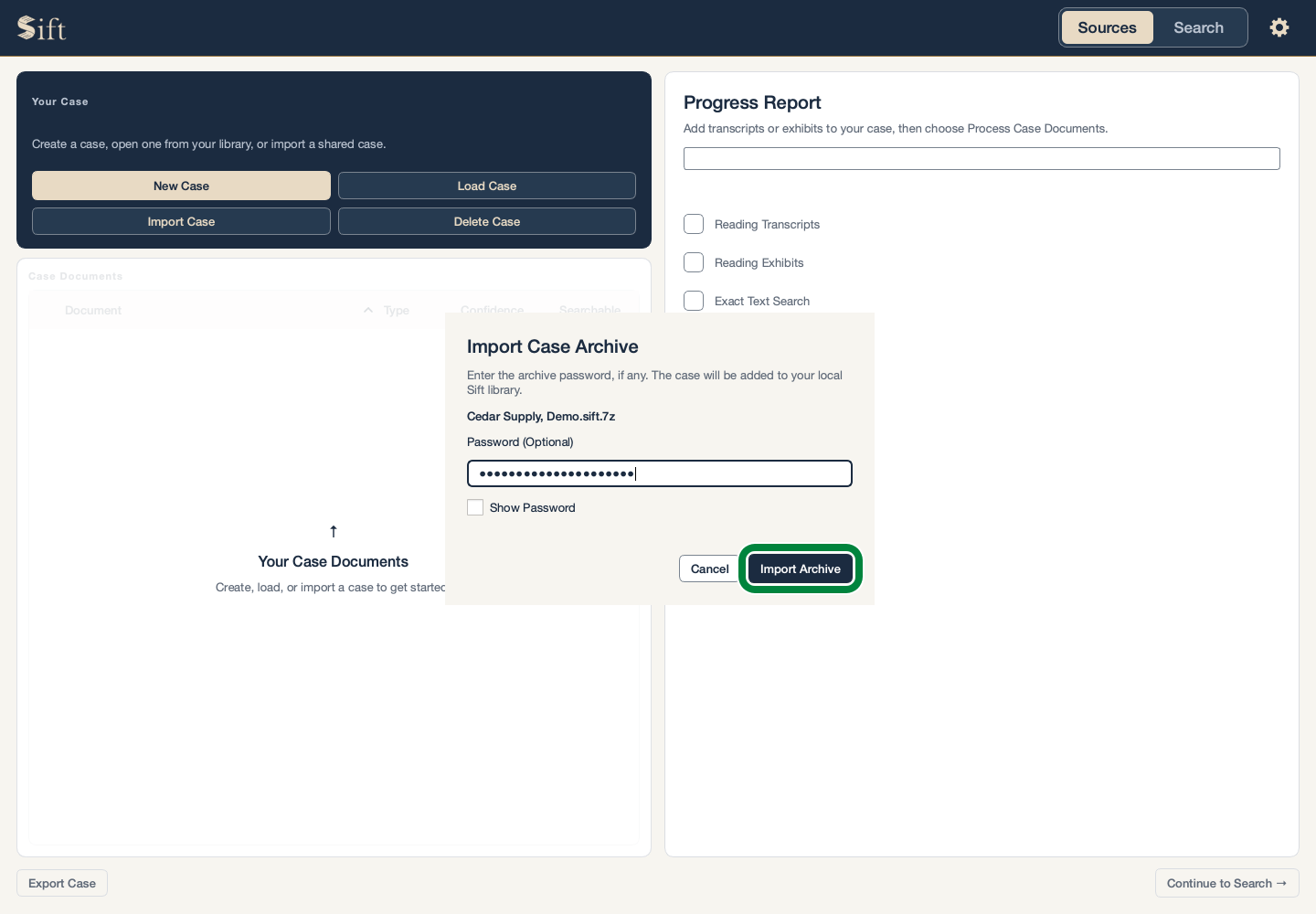
Click Import Archive. Sift adds the case to this computer and opens it.
Each person using Sift needs a valid license. A shared case does not include another person’s license key.
If the Case Name Already Exists
Sift offers a new name so that both cases can be kept. These steps preserve the existing case.
Type a different name in Case Name.
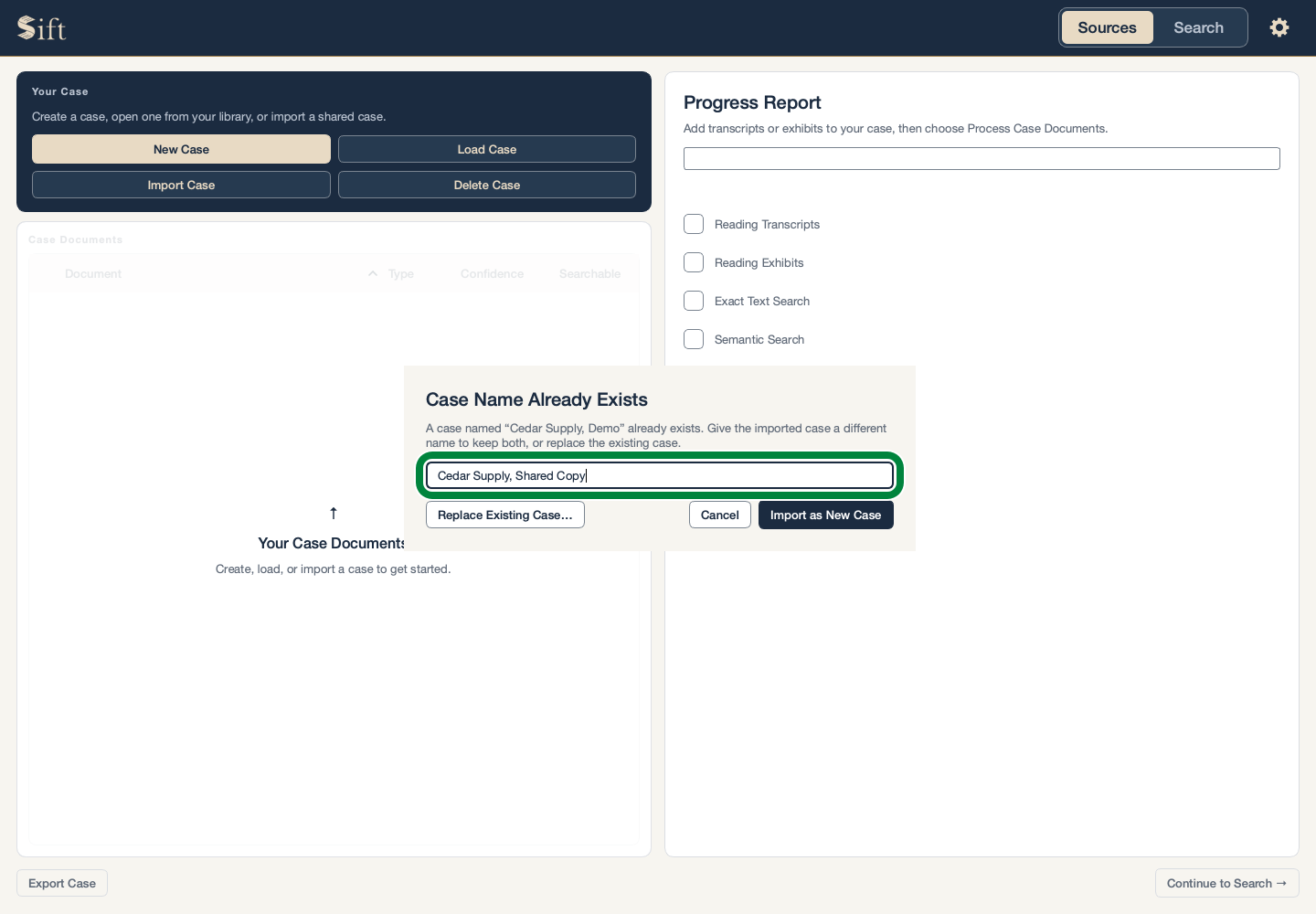
Click Import as New Case. Sift keeps the old case and adds the imported case under its new name.
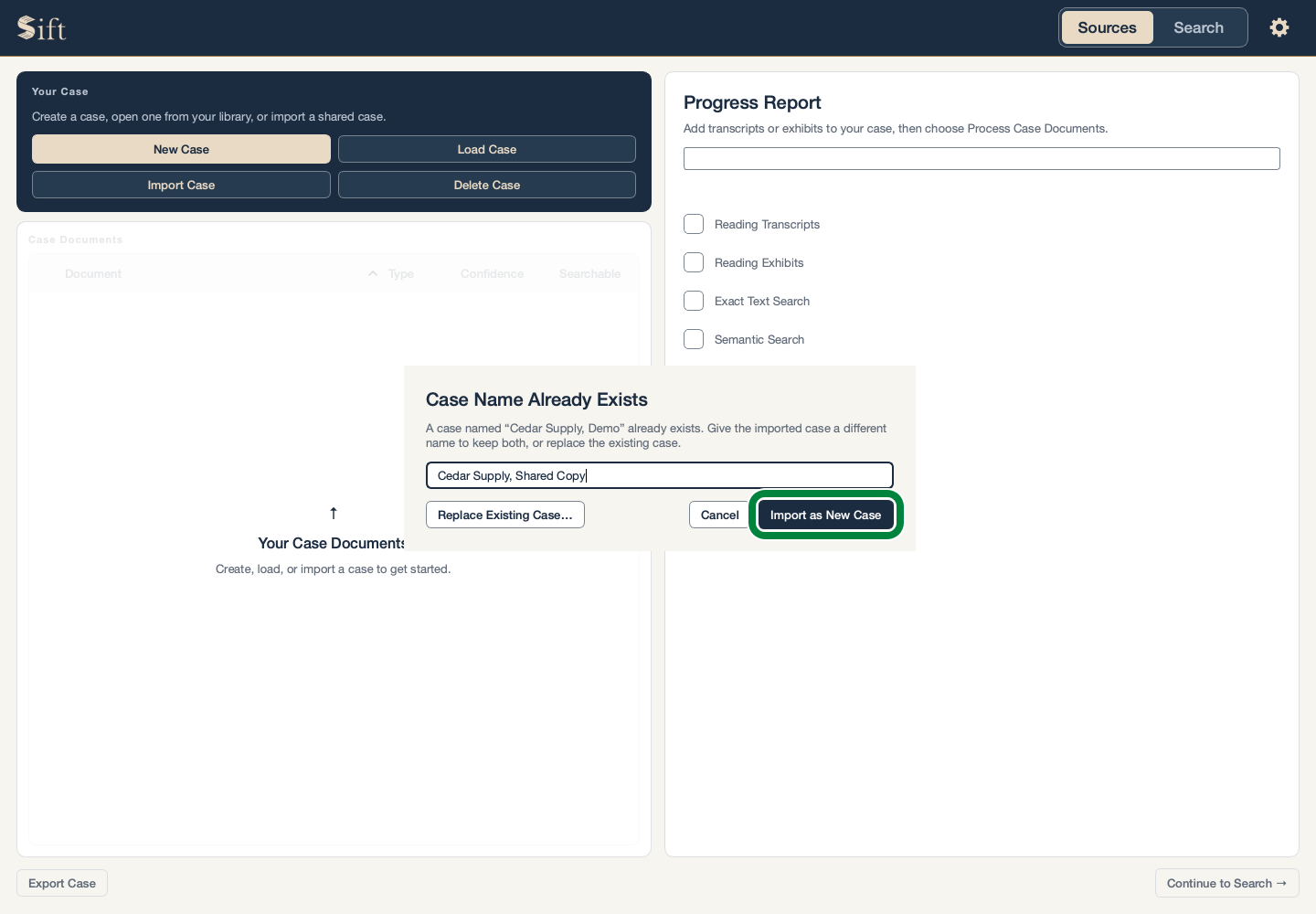
The separate Replace Existing Case… choice permanently removes the previous case from Sift. Its documents and saved work are replaced by the imported copy. This cannot be undone.
What a Backup Includes
The exported file is a copy made at the time of export. Later changes to the working case do not change an older backup.
A case can move between supported Mac, Windows, and Linux computers. If any documents show as pending after import, the document preparation steps make them searchable again.
A password-protected export becomes an ordinary working case when imported into Sift. The computer’s own security protections still matter.